SUPPORT & HELP
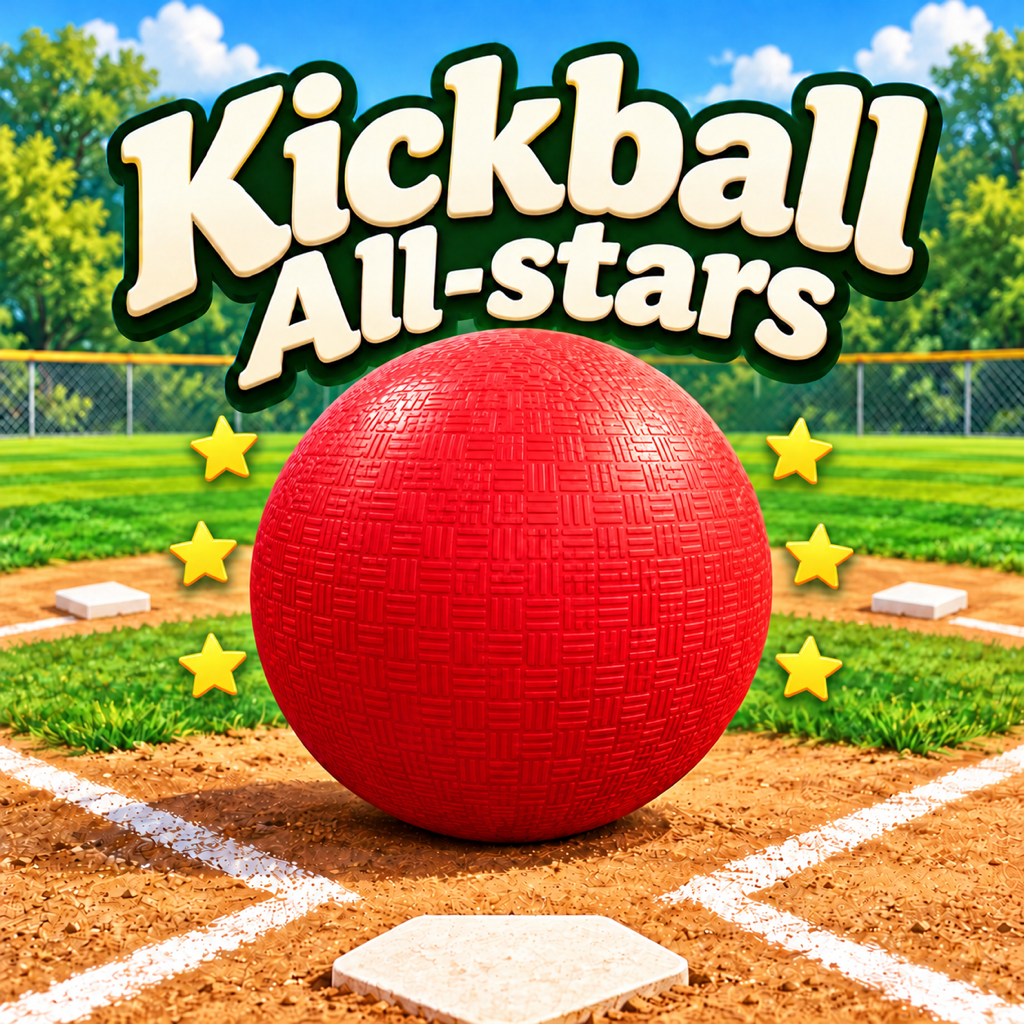
Kickball All-Stars
See you at home plate.
Neighborhood kickball for iPhone and iPad, with ten imaginative 3D ballparks and a team you make your own.
No ads · No in-app purchases · Offline play
How to play
- Choose your captain, team name, colors, and ballpark in the clubhouse.
- Select Easy, Medium, or Hard and a 3-, 6-, or 9-inning game. Tap PLAY BALL.
- On offense, pick a kick style and direction. Time your KICK as the ball reaches the plate. Use the runner controls to advance or hold your runners.
- On defense, select your pitch and lane. Tap PITCH, choose a fielder, make the catch, and throw to the base.
- Win games to earn coins and unlock special balls in the Ball Shed. Coins are earned only by playing.
Saved progress
Your career, earned coins, unlocked balls, and team settings are stored on your device. The app does not provide account-based or in-app cloud synchronization. Deleting the app may remove its local saves.
Sound help
Open the sound settings to adjust music, walk-up audio, effects, announcers, and crowd sounds. Also check your device volume and sound output.
Need a hand?
Email [email protected] with the subject “Kickball All-Stars Support.” Include your device model, iOS or iPadOS version, app version, and steps to reproduce the issue. Screenshots are helpful; please avoid sending personal or sensitive information.
Requires iOS or iPadOS 17.0 or later. Designed for landscape play.